Contact Us
Found wrong information, a broken link, a missing image or a page problem on Yono Arcade Games? Send us a clear message. Your report helps us check the issue and improve the website.
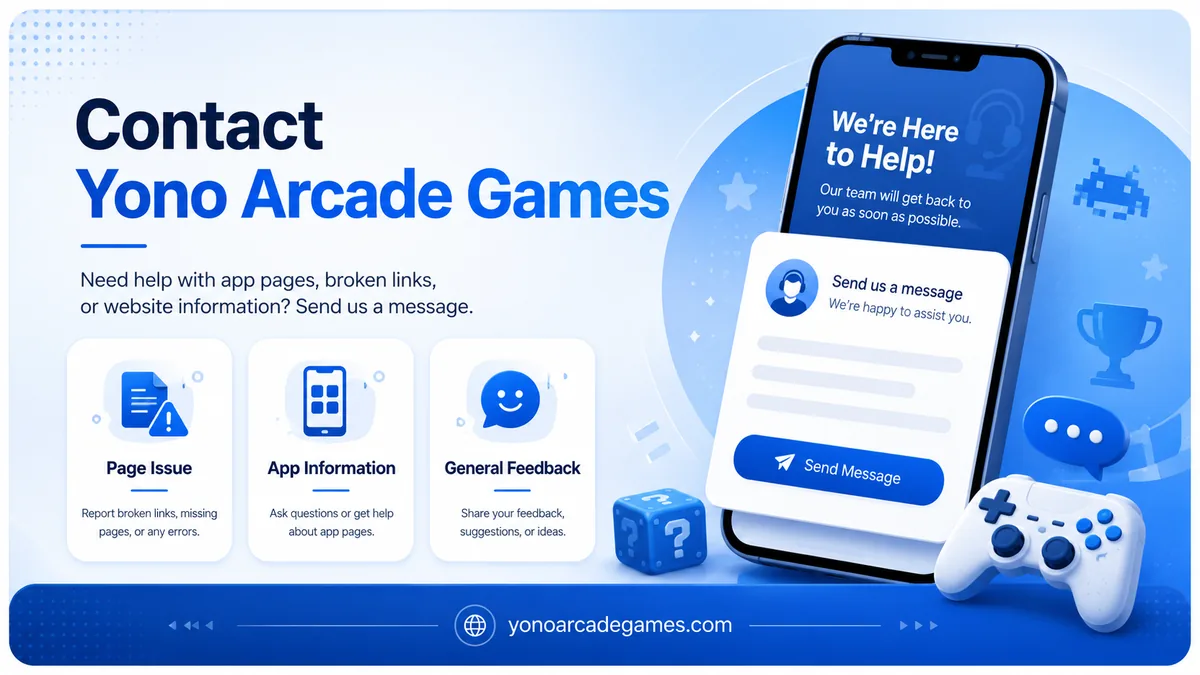
 Simple Website Support
Contact us about page errors, broken links and website feedback.
Simple Website Support
Contact us about page errors, broken links and website feedback.- Report wrong information
- Report a broken link or image
- Ask a privacy or content question
About the Yono Arcade Games Contact Us Page
This Contact Us page is for visitors who want to send a website question, correction or suggestion. We publish game pages, APK information, install steps and general app details. Please include the correct page link when you report old, missing or incorrect information.
We do not manage game accounts, login access, withdrawals, deposits or KYC. For those issues, contact the official support service inside the game app. Use the Contact Us form below only for questions related to this website and its content.
What Can You Contact Us About?
Contact Us Form
Enter your name, email address and a clear description of the issue. When you submit the form, your default email app will open with a prepared message. Check the email and message before you send it.
What Should You Write in Your Message?
A message such as “the page is not working” does not explain the exact problem. Add the details below to make your Contact Us request clear and useful.
- Write the full name of the app or page.
- Add the complete URL of the page with the problem.
- Tell us whether you are using a mobile phone or computer.
- Explain what looks wrong and what the correct information should be.
- Add a screenshot when needed, but hide all private details first.
What Information Should You Never Send?
Use the Contact Us form only for normal website information. Never share the private details below in a contact message.
- OTP, UPI PIN, ATM PIN or bank password.
- Aadhaar card, PAN card or a complete identity document.
- Game account password or login code.
- Complete debit card, credit card or bank account details.
- A screenshot that clearly shows your phone number, balance or private information.
What Happens After We Receive Your Message?
We first check the page and the problem described in your message. When the report is correct, we may update the content, image or link. Every suggestion may not be published immediately because basic checking is completed before a change is made.
- We check the page information included in your message.
- We open the broken link or image again to confirm the problem.
- We may ask for one more small detail when it is needed.
- We may update the related page after confirming a valid correction.
We may not reply to spam, empty messages, false claims or the same message sent many times.
For Game Account or Payment Problems
Yono Arcade Games is an information website. We do not control any external game’s account, wallet, withdrawal, deposit, bonus or KYC system. Open the official Help, Support or Customer Service option inside that game app for these problems.
Useful Safety Resources
The official resources below may help when you find a suspicious website, unsafe link or serious online fraud issue. These links open in a new tab.
Contact Us FAQs
Can I report wrong app information?
Yes. Send the app name, page link and a short source or screenshot showing the correct information.
Can you fix a withdrawal or deposit problem?
No. We do not control an external game’s account or payment system. Contact the official support service inside that app.
What should I check before sending a screenshot?
Crop or blur your OTP, phone number, account ID, balance and payment details before sending any screenshot.
What happens when I submit the Contact Us form?
The form opens your default email app and prepares a message using the details you entered.
Can I suggest a new game page?
Yes. Send the correct game name and any available official information. A new page depends on content checking and the website plan.
Is it safe to send an OTP in a Contact Us message?
No. Never send an OTP, PIN, password or payment detail in any contact message.
Found a Problem on a Page?
Send the page link and a clear description of the issue. A short and complete message is easier to check.
Open the Contact Us Form